


Introduction
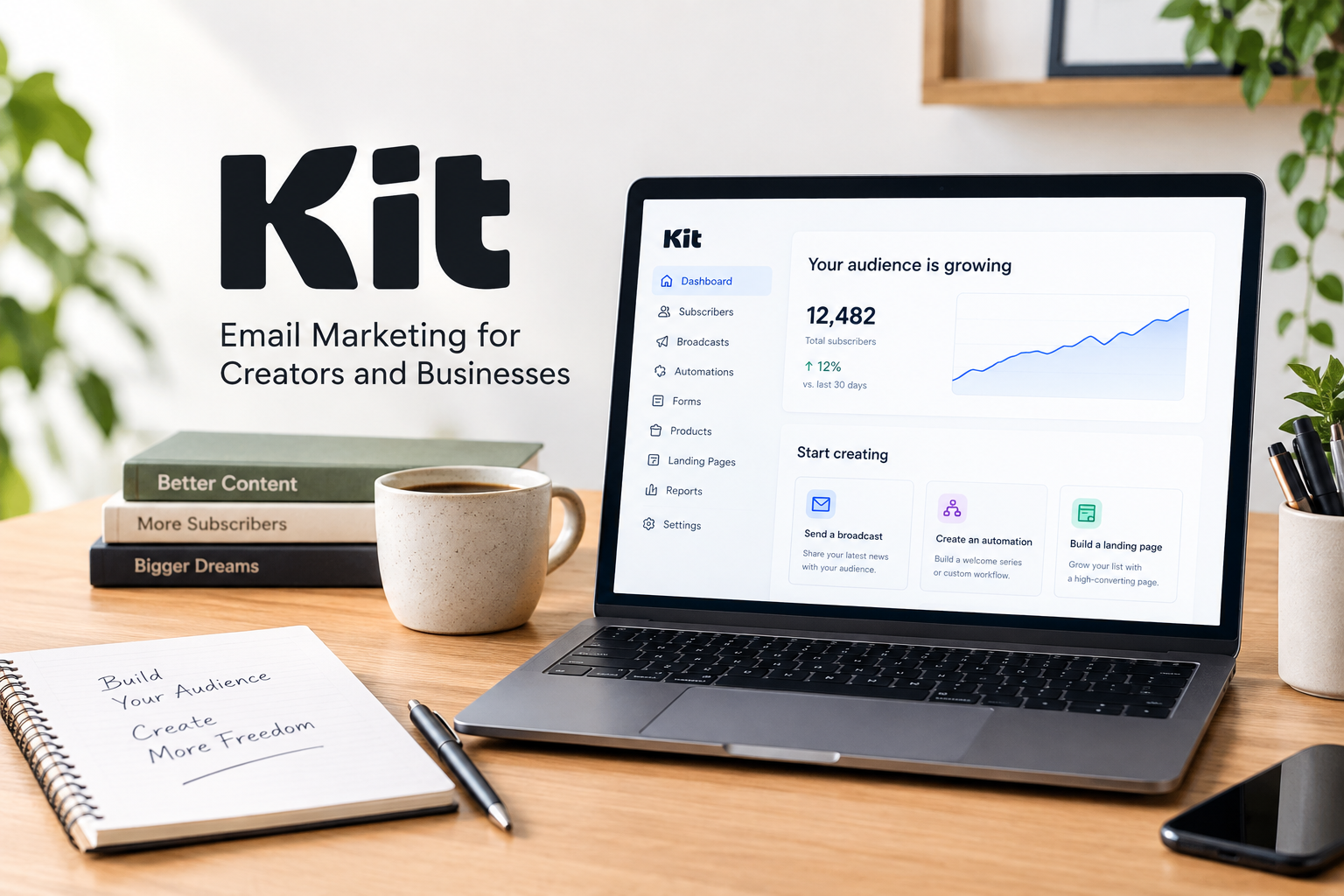
Choosing the right email marketing platform can make a significant difference for creators, bloggers, newsletter writers, and online business owners. A good platform helps you connect with your audience, send regular updates, automate emails, and turn your content into a sustainable business. One platform designed specifically for this purpose is Kit, formerly known as ConvertKit.
We will explore its main features, email marketing tools, newsletter capabilities, pricing plans, advantages, disadvantages, and overall value. We will also look at who should consider using Kit and who may benefit from choosing an alternative.
Kit focuses on helping creators build direct relationships with their audiences instead of relying entirely on social media algorithms. It combines email marketing, landing pages, subscriber management, automation, and digital product sales in one platform.
But is Kit worth it in 2026? Its free plan makes it attractive for beginners, while its paid plans provide additional tools for creators with more advanced marketing needs. However, its pricing structure and relatively simple email design options may not suit everyone.
Let’s take a closer look at what Kit offers and whether it deserves a place in your creator business.
Overview of Kit
Kit is an email marketing and audience-building platform created for independent creators and online businesses. It is designed to help people grow an email list, communicate with subscribers, automate marketing campaigns, and sell digital products.
The platform was previously called ConvertKit and adopted the Kit name in October 2024. Its main audience includes bloggers, writers, educators, podcasters, coaches, artists, and other people who earn income through their content.
Unlike traditional email marketing platforms that primarily focus on promotional campaigns, Kit emphasizes audience relationships and creator monetization.
For example, a blogger can collect email addresses through a signup form, send new article announcements, create an automated welcome series, and promote an ebook to subscribers. These activities can be managed through a connected set of tools.
Kit also offers landing pages, subscriber tagging, audience segmentation, newsletter recommendations, and options for selling digital products and subscriptions.
Website: https://kit.com/
Kit is designed for people who want to build an audience they can reach directly and develop that audience into a long-term business.
Kit Features: What Does It Offer?
Kit includes several features intended to simplify email marketing and audience growth. The usefulness of each feature depends on the size of your audience, your content strategy, and your business goals.
1. Email Marketing Campaigns
Email marketing is one of Kit’s core functions. Users can create and send newsletters, announcements, educational content, product updates, and promotional messages to their subscribers.
You can prepare a campaign, organize its content, and schedule it for delivery. This is useful for creators who publish regularly and want to maintain consistent communication with their audiences.
Kit’s email editor supports a relatively simple, content-focused approach. This can work particularly well for writers and newsletter publishers who prioritize readable messages over elaborate visual layouts.
However, businesses that require highly designed promotional emails may find its design flexibility more limited than that of some competing platforms.
2. Landing Pages and Signup Forms

Kit allows users to create landing pages and email signup forms without necessarily building a separate website.
A landing page can promote a newsletter, offer a free resource, advertise a course, or encourage visitors to subscribe. Signup forms can also be embedded into an existing website.
For bloggers and affiliate marketers, these tools provide a straightforward way to turn website visitors into email subscribers.
You can offer something useful in exchange for signing up, such as a checklist, guide, template, or downloadable resource. This gives visitors a clear reason to join your mailing list.
3. Subscriber Tagging and Segmentation
Not every subscriber has the same interests. Kit helps creators organize subscribers through tags and segments.
For example, a fitness newsletter might categorize subscribers interested in home workouts separately from those interested in running. A business blogger might distinguish readers interested in SEO from readers interested in social media marketing.
This organization makes it easier to send relevant content to different groups rather than sending every message to the entire audience.
More relevant emails can improve the subscriber experience and help creators develop stronger relationships with their readers.
4. Visual Email Automations

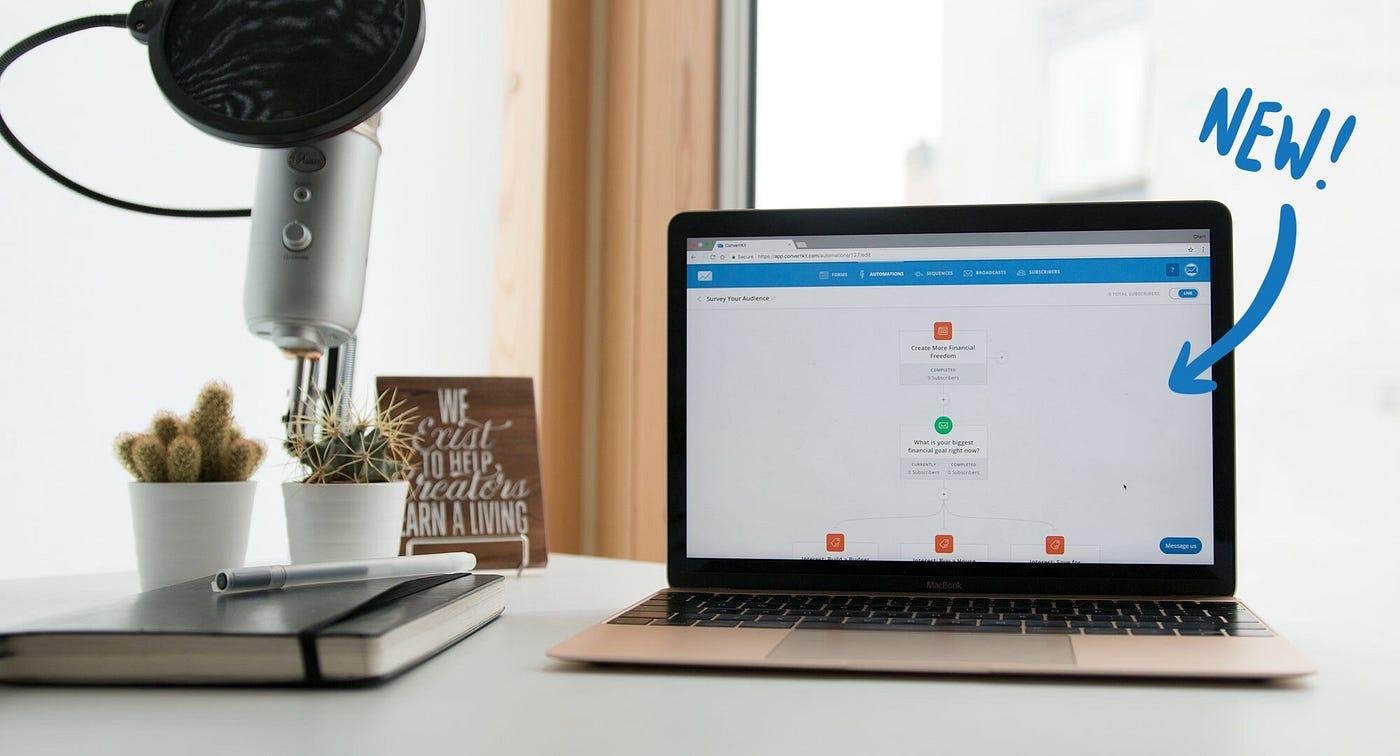
Kit offers visual automation tools that help creators build email workflows.
An automation can begin when someone subscribes to a form or completes another supported action. The subscriber can then receive a planned sequence of messages without the creator having to send each email manually.
For example, an automated welcome sequence could include:
- An introduction to the creator and their content.
- A useful resource for new subscribers.
- Educational information related to the subscriber’s interests.
- A relevant product or service recommendation.
These workflows can save time and make communication more consistent. The availability of advanced automation features depends on the plan you choose.
5. Newsletter Growth Tools
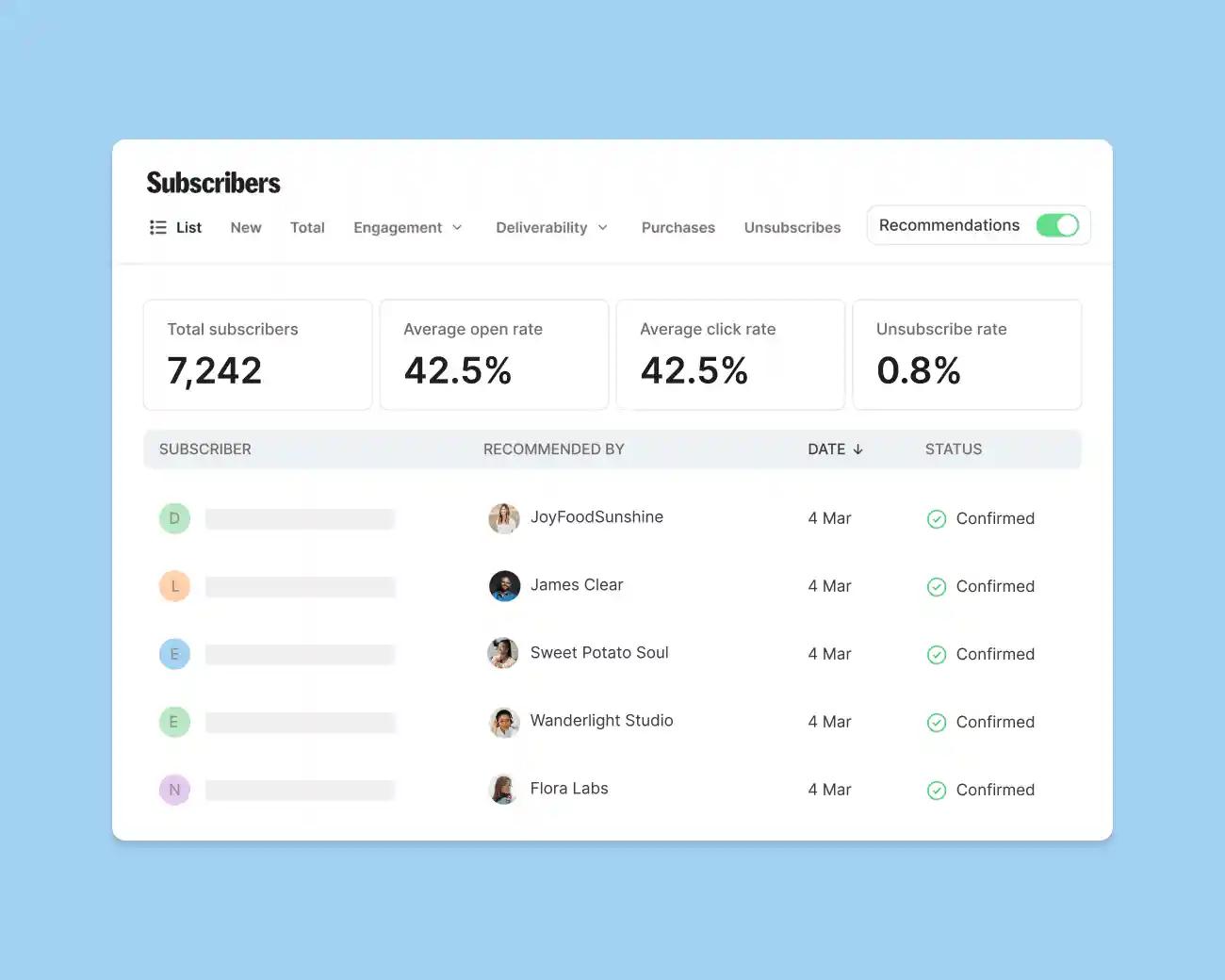
Kit offers Creator Network recommendations to help participating creators discover and recommend other newsletters.
This can give newsletter publishers another way to attract subscribers beyond search engines, social media, and paid advertising.
Paid recommendation opportunities and referral-program features may also help eligible creators monetize or expand their audiences, subject to the applicable plan and program terms.
These tools can be useful, but they do not guarantee subscriber growth. The results still depend on content quality, audience relevance, and the value of the newsletter.
6. Digital Products and Paid Newsletters
Kit also supports selling digital products and subscriptions. Depending on the available features and your account setup, creators can offer ebooks, downloadable resources, courses, paid newsletters, or other digital products.
This integration is useful because creators can build an audience and sell to that audience without necessarily managing a completely separate email marketing system.
Before selling, check the applicable transaction fees, payment processing terms, regional availability, and supported payment methods. These costs can affect how much you ultimately earn.
Kit Pricing: How Much Does It Cost?
Kit offers a free Newsletter plan and paid plans for creators who need additional marketing tools.
According to Kit’s official pricing page, the following advertised prices apply to the 1,000-subscriber pricing example for the paid tiers. The prices below reflect the published annual-billing equivalents, so confirm the current checkout price before subscribing.
| Plan | Advertised Price | Best For |
|---|---|---|
| Newsletter | $0 per month | Beginners and creators building an audience |
| Creator | $33 per month, billed annually | Growing creators needing more automation |
| Pro | $66 per month, billed annually | Established creators needing advanced reporting and growth tools |
Source: Official Kit Pricing.
Newsletter Plan
The free Newsletter plan supports up to 10,000 subscribers. It includes unlimited email broadcasts, landing pages and forms, subscriber tagging and segmentation, and digital product and subscription sales features.
It is a useful starting point for creators who want to test email marketing without committing to a monthly subscription.
However, some automation capabilities, branding options, and advanced growth tools are limited compared with the paid plans.
Creator Plan
The Creator plan adds features such as unlimited visual automations, automated email sequences, subject-line testing, integrations, and the ability to remove Kit branding.
It may be a suitable upgrade for creators who already have an audience and want to automate their communication more effectively.
Pro Plan
The Pro plan adds advanced capabilities such as detailed engagement analytics, deliverability reporting, unlimited users, collaborative editing, and additional audience-growth tools.
These features are most useful for established newsletters and creator businesses that need deeper reporting or team collaboration.
The answer depends on the features you need. Its free plan offers substantial functionality, but paid subscriptions can become a meaningful recurring expense. Review the price for your subscriber count and billing cycle before upgrading.
Kit Reviews: What Do Users and Reviewers Think?
When researching Kit reviews, it is important to distinguish the platform’s advertised features from independently verified user experiences.
Kit’s overall approach appeals to creators who want to focus on newsletters, subscriber relationships, and selling digital products. Its combination of email campaigns, forms, automation, and monetization tools can reduce the need to manage several separate services.
An independent review published by TechRadar in 2026 also highlighted Kit’s appeal to independent creators while noting limitations involving email design flexibility, analytics on lower tiers, and suitability for larger or more complex businesses.
You can read the TechRadar Kit review for additional context.
When evaluating customer feedback, consider the specific needs of the reviewer. A solo blogger may value simplicity and audience-building features, while an ecommerce company may prioritize advanced customer segmentation, product-triggered campaigns, and detailed sales reporting.
Before making a decision, look for recent reviews that discuss customer support, ease of use, deliverability, billing, and the features available on the plan you intend to purchase.
No email platform can guarantee that every campaign will reach the inbox or produce a particular conversion rate.
Is Kit Worth It?
Kit can be worth considering if your main goal is to build an email audience and develop a creator-focused business.
Its biggest advantage is the way its features work together. You can collect subscribers, organize them according to their interests, send newsletters, automate follow-up emails, and sell digital products from one platform.
For bloggers, newsletter writers, and educators, this can simplify an otherwise complicated marketing workflow.
The free plan is especially appealing to beginners who want to test audience-building strategies before paying for advanced features.
Kit is not the best choice for every business. If you need sophisticated visual email designs, advanced ecommerce workflows, extensive CRM functionality, or complex reporting on an entry-level budget, another platform may provide a better fit.
You should also consider how quickly your subscriber list might grow. Paid-plan costs can increase as your audience expands, so it is worth thinking about long-term affordability rather than only the starting price.
Kit is a strong option for creators who prioritize newsletters, audience ownership, email automation, and digital product sales. It is less compelling for businesses that need highly visual campaigns or specialized ecommerce marketing features.
Kit Pros and Cons
| Pros | Cons |
|---|---|
| Free plan supports up to 10,000 subscribers | Advanced features require a paid plan |
| Unlimited email broadcasts on the free plan | Email design options may feel limited |
| Landing pages and signup forms are included | Pricing can increase as subscriber numbers grow |
| Audience tagging and segmentation | Not a complete CRM for every business |
| Visual automation on paid plans, with limited free automation | Advanced reporting is concentrated in higher tiers |
| Tools for selling digital products and subscriptions | Transaction and payment processing terms need reviewing |
| Creator Network recommendations | Audience growth is not guaranteed |
The main strength of Kit is its creator-focused approach. Its main limitation is that users with specialized marketing requirements may need more flexibility than the platform provides.
Who Should Use Kit?
Kit is particularly suitable for:
- Bloggers and content publishers: Build an email list, share new articles, and encourage returning visits to your website.
- Newsletter writers: Send regular newsletters and explore paid subscriptions or other monetization options.
- Course creators and educators: Build subscriber lists, deliver educational sequences, and promote digital learning products.
- Independent creators: Organize subscribers, automate communication, and create a more direct relationship with followers.
- Digital product sellers: Promote ebooks, guides, templates, and other downloadable products to an interested audience.
Kit may be less suitable for businesses that depend heavily on complex ecommerce customer journeys, advanced CRM workflows, or highly customized promotional email designs.
If you are unsure, begin by listing the features you actually need. Avoid paying for advanced tools until your marketing strategy gives you a clear reason to use them.
How to Get Started With Kit
Getting started with Kit is relatively straightforward.
- Visit Kit.com and create an account.
- Choose the free Newsletter plan or review the paid plans.
- Create a signup form or landing page for your newsletter.
- Offer useful content that gives visitors a reason to subscribe.
- Prepare your first email and organize subscribers using relevant tags.
- Set up an automated welcome sequence if your plan supports the workflow you need.
- Monitor subscriber growth, engagement, and unsubscribes to improve future campaigns.
Use permission-based signup practices, explain what subscribers will receive, and make it easy for them to unsubscribe. A smaller, engaged audience can be more valuable than a large list of people who do not want your emails.
Final Thoughts on Kit
Kit is a creator-focused email marketing platform that brings together newsletters, subscriber management, landing pages, automation, and digital product sales.
Its free Newsletter plan makes it accessible to beginners, while its paid plans provide additional tools for creators who need more sophisticated workflows and reporting.
The platform is especially appealing to bloggers, newsletter publishers, educators, and independent creators who want to build direct relationships with their audiences.
Its limitations include relatively simple email design options, plan-dependent advanced features, and recurring costs that may increase as your needs change.
Kit is worth considering if your priority is audience building and creator-focused email marketing. Before signing up for a paid plan, compare its features and total cost with your actual requirements.
Start with the free plan if it covers your needs, test your workflow, and upgrade only when the additional tools provide clear value for your business.
Follow Kit on Social Media
Stay connected with Kit to explore its latest updates, email marketing tips, creator resources, and newsletter tools.
Official Website: https://kit.com/
Instagram: https://www.instagram.com/kit/
YouTube: https://www.youtube.com/@Kit
Facebook: https://www.facebook.com/kit
LinkedIn: https://www.linkedin.com/company/kit.com
X (Twitter): https://x.com/kit
Visit Kit’s official website to learn more about its email marketing features, newsletter tools, and services for creators.
Visit Now: https://kit.com/
FAQs
What is Kit used for?
Kit is an email marketing platform used to build subscriber lists, send newsletters, create signup forms, automate email sequences, and sell digital products or subscriptions.
Is Kit free to use?
Yes. Kit offers a free Newsletter plan for up to 10,000 subscribers, with features including unlimited broadcasts, landing pages, forms, audience tagging, and digital product sales. Some advanced features require a paid plan.
Is Kit the same as ConvertKit?
Yes. Kit was previously known as ConvertKit and adopted the Kit name in October 2024.
How much does Kit cost?
Kit offers a free plan, while its Creator and Pro plans are advertised at annual-billing equivalents of $33 and $66 per month, respectively, for the 1,000-subscriber pricing example. Check the official pricing page for current rates and subscriber tiers.
Is Kit good for bloggers?
Yes. Kit can help bloggers collect email subscribers, promote new posts, organize readers by interest, and automate welcome emails. It can be especially useful for blogs that want to develop an audience beyond search and social media.
Can you sell digital products through Kit?
Yes. Kit supports digital product sales and paid subscriptions. Review its current payment, transaction fee, and regional availability terms before setting up your store.
Is Kit suitable for beginners?
Yes. Its free plan and creator-focused tools make it a reasonable option for beginners. However, users who need extensive design customization or advanced reporting may eventually prefer a different solution.
Is Kit worth it in 2026?
Kit can be worth it for creators who value email newsletters, audience growth, automation, and digital product monetization. Whether it is the right choice depends on your budget, audience size, and the specific features your business needs.
